
Solutions · Colocation & Hosting · GPU hosting
GPU hosting: AI colocation built for clusters
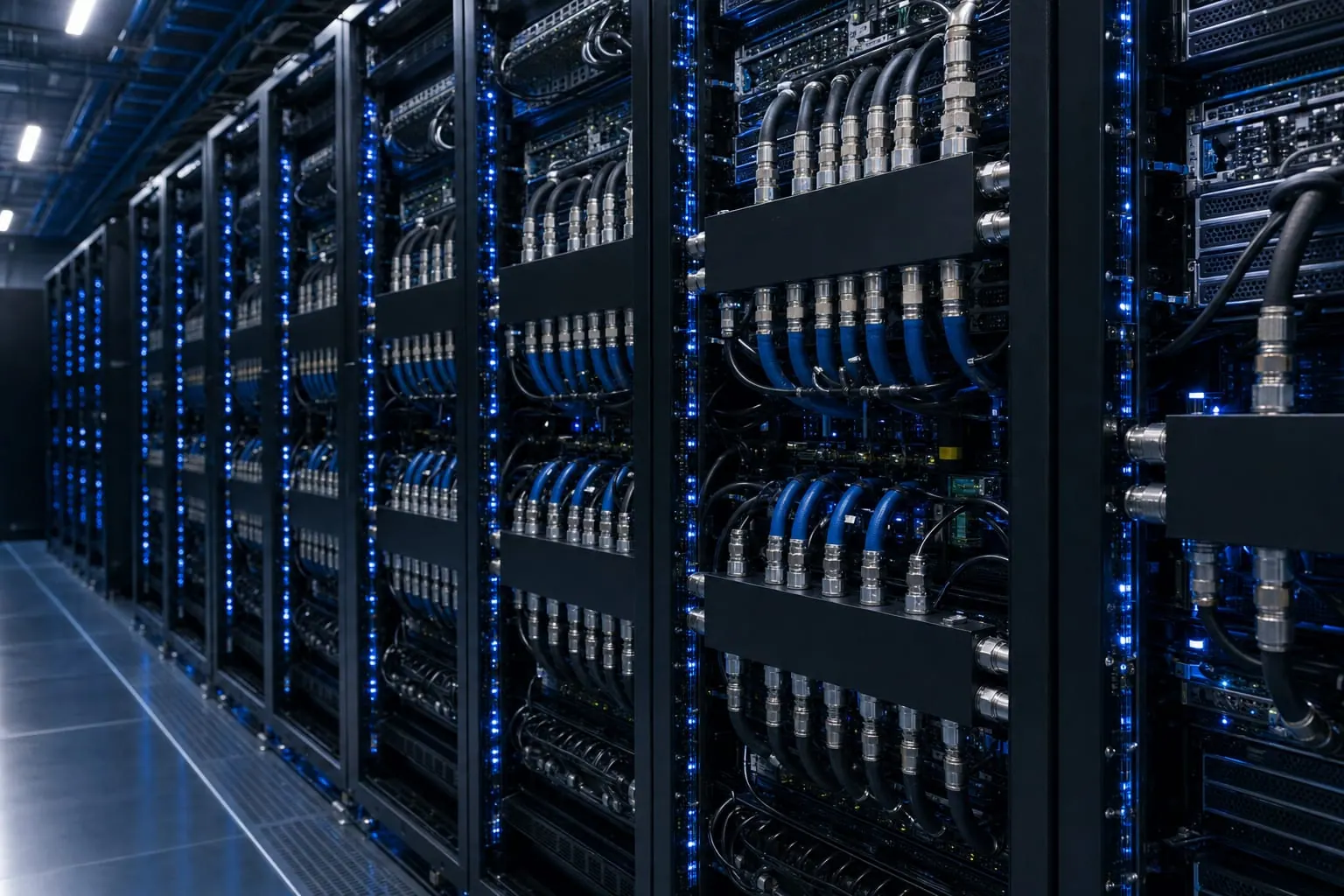
PacinfraX GPU hosting puts your cluster in liquid-cooled, high-density rows with space for spine and leaf switching, storage beside compute and reserved room for the next block. You bring the GPUs; we provide power, cooling, security and on-site hands in halls designed around on-site generation and storage. Request capacity with your cluster plan.
Updated
Who it's for
GPU hosting for training and inference teams
If your cluster outgrows a server room or a general-purpose data center, GPU hosting gives it the power, cooling and network it needs in one hall.
-
AI labs training models
Large clusters that run for weeks, need a tight network and grow block by block.
-
Neoclouds and GPU providers
Fleets that serve many customers and add racks as contracts land.
-
Enterprises running private AI
Inference and fine-tuning clusters kept on your own hardware, close to your data.
-
System integrators
Teams that build and run GPU clusters for clients and need a hall ready on the install date.
Hall layout
How a GPU cluster sits in the hall
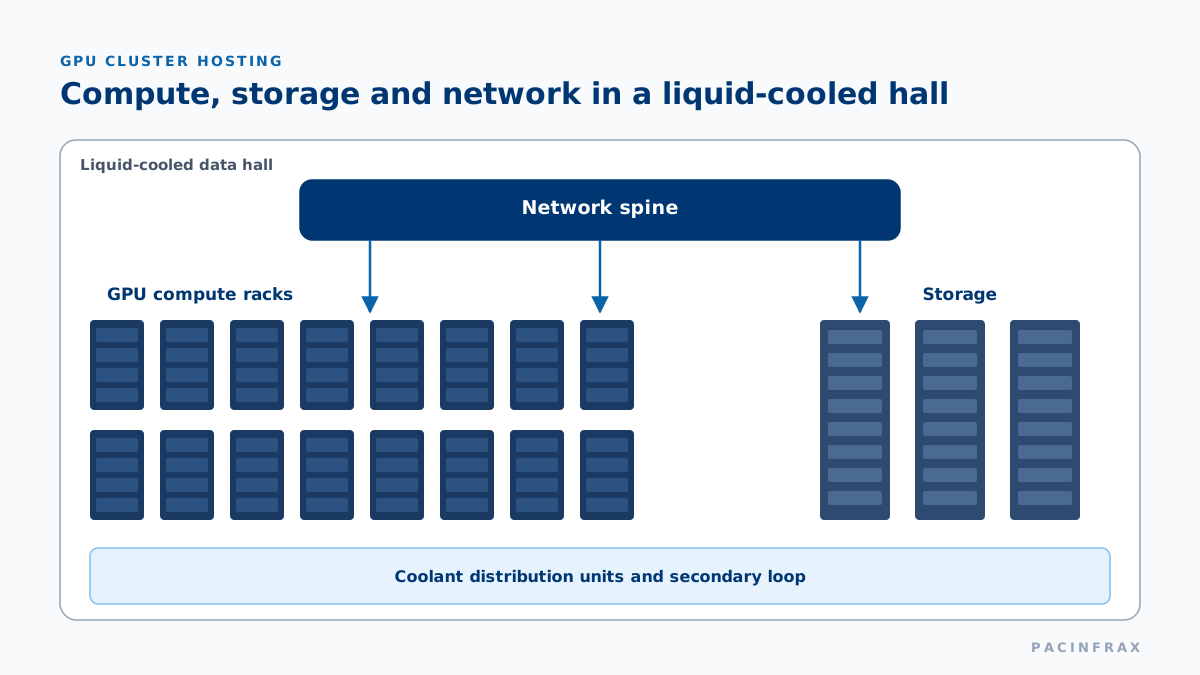
A cluster hall is laid out around three zones: compute racks in liquid-cooled rows, storage racks beside them, and the network spine in the middle so every cable run stays short.
The zones of a GPU cluster hall
- Compute rows: GPU racks on direct liquid cooling, fed by A+B power.
- Storage rows: air-cooled racks placed next to compute.
- Network spine: spine switches central to the rows they serve.
- Reserved rows: positions held for your next block.
Colocation is delivered in campus halls as they energize; Nam Thang Binh phase 1 (20 MW IT load) is targeted for 2026–2027 — reserve your requirement now.
Diagram: GPU cluster hall layout
Liquid cooling
Liquid-cooled racks and high-density rows
GPU racks draw far more power and give off far more heat than general servers. Liquid rows are sized to your racks, from air-cooled to direct-liquid densities.
Liquid cooling options for GPU racks
- Direct liquid: coolant to cold plates on the GPUs through rack manifolds.
- Rear-door heat exchangers: for denser air-cooled racks in the same hall.
- Coolant distribution units: one loop for the facility, a separate loop for your servers.
- Leak detection: sensors under every liquid row.
Full details are in the colocation specifications.
Diagram: three cooling options
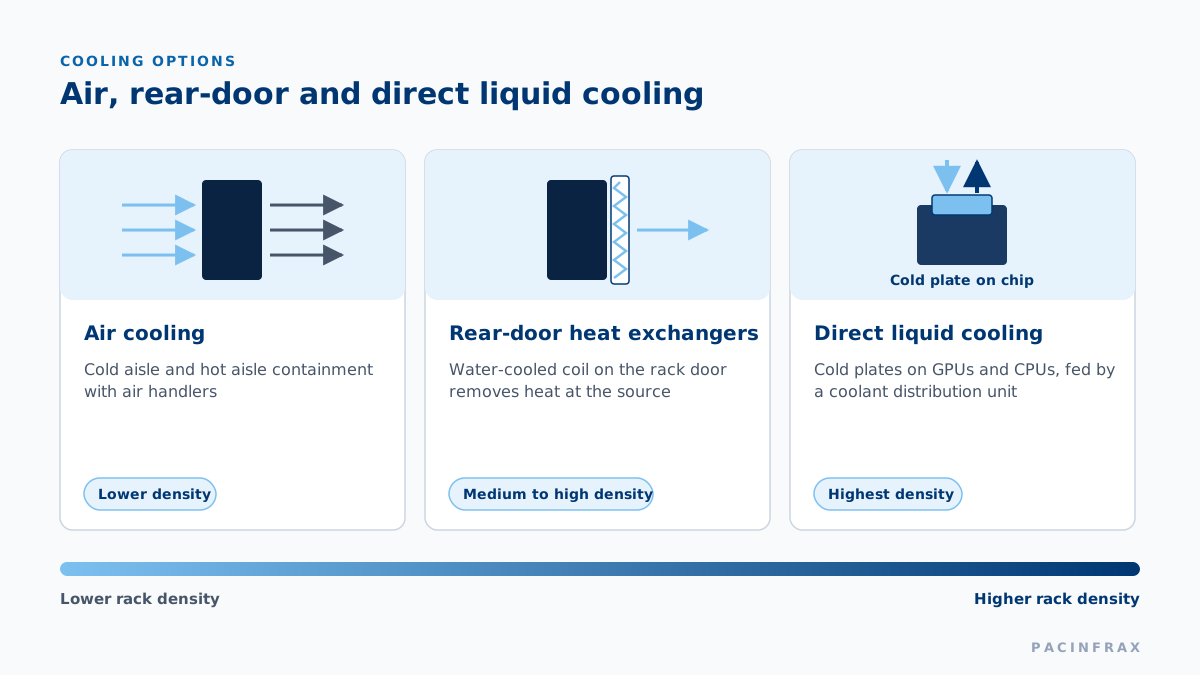
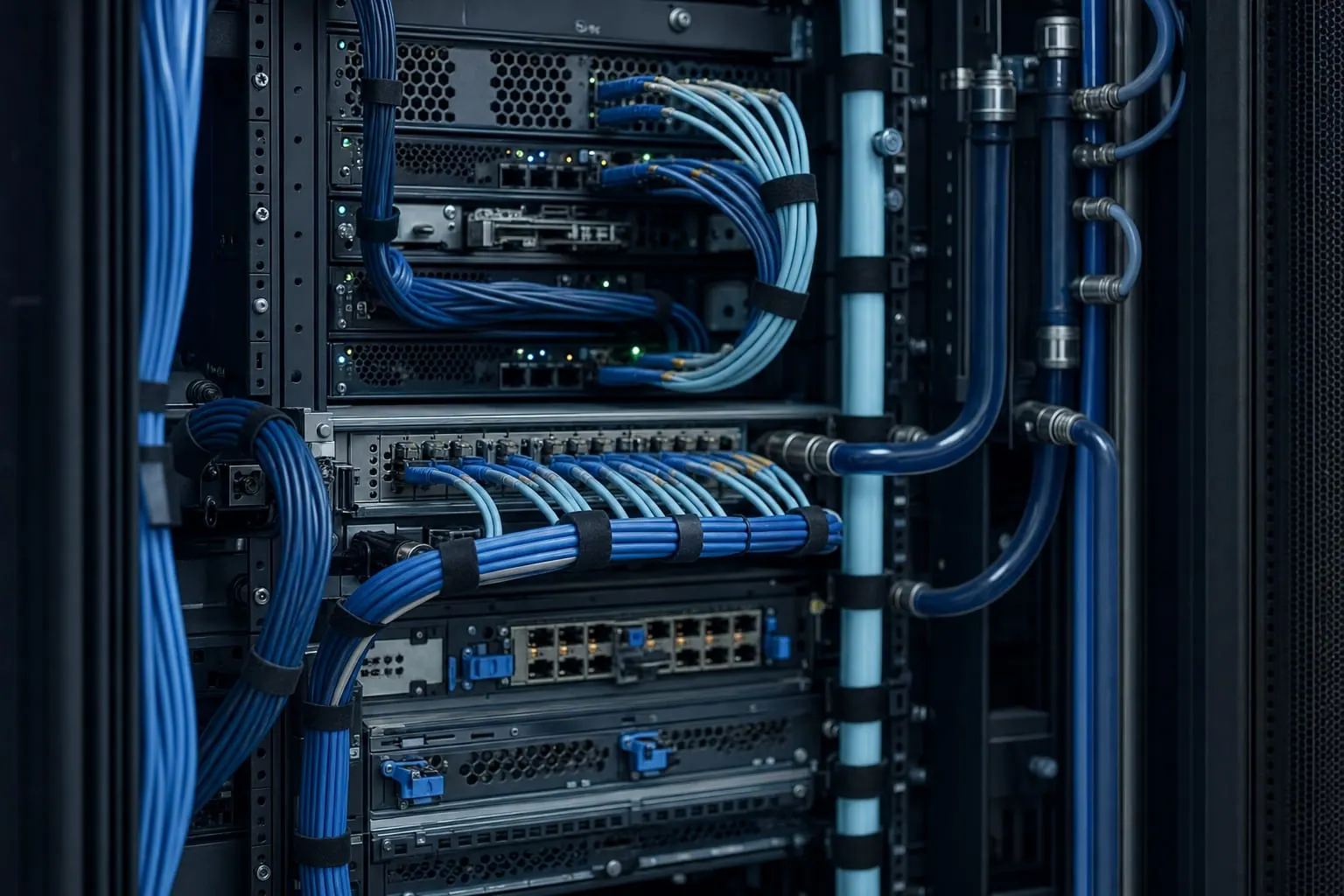
Photo: server rack close-up
Cluster network
Cluster network: spine and leaf on InfiniBand or Ethernet
Training clusters depend on a fast, flat network between GPUs. The row layout plans space, power and cable paths for the fabric you choose, whether InfiniBand or Ethernet.
The parts of the cluster network
- Leaf switches in or next to each compute rack, keeping GPU links short.
- Spine switches placed centrally, with overhead fibre trays to every leaf.
- Front-end and storage networks on their own paths, separate from the GPU fabric.
- Out-of-band management so remote hands and your team reach every device even when the fabric is down.
- External links through the carrier-neutral meet-me room for carriers, clouds and dark fibre.
Photo: Fibre optic strands

Storage
Storage next to compute
Training data and checkpoints move constantly between storage and GPUs. We place your storage racks in or beside the compute rows, usually in air-cooled positions, with a dedicated storage network back to the leaf switches.
Storage for inference and what we confirm
For inference, model files and caches sit close to the serving racks, and the front-end network runs to the meet-me room for your users and customers.
We confirm storage weight, power and cooling at the design review, so storage and compute racks go live together on handover day.
Photo: liquid-cooled rack rows

Phased expansion
Grow your cluster block by block
Plan the full cluster on day one and energize it in blocks. Each block is powered, cooled and tested before your next servers ship.
First block
The rows you need now, with the spine sized for the full cluster.
Reserved rows
Positions held next to your first block, with power and cooling planned.
Next hall
A further hall on the same campus when the cluster outgrows one hall.
Dedicated block
A 10–50 MW block of your own, delivered through our AI data centers model.
Because every campus is power-first, each block follows our energization schedule rather than a utility queue. We plan the spine, cooling plant and power path for the full cluster at the first design review, so each new block plugs into what is already there.
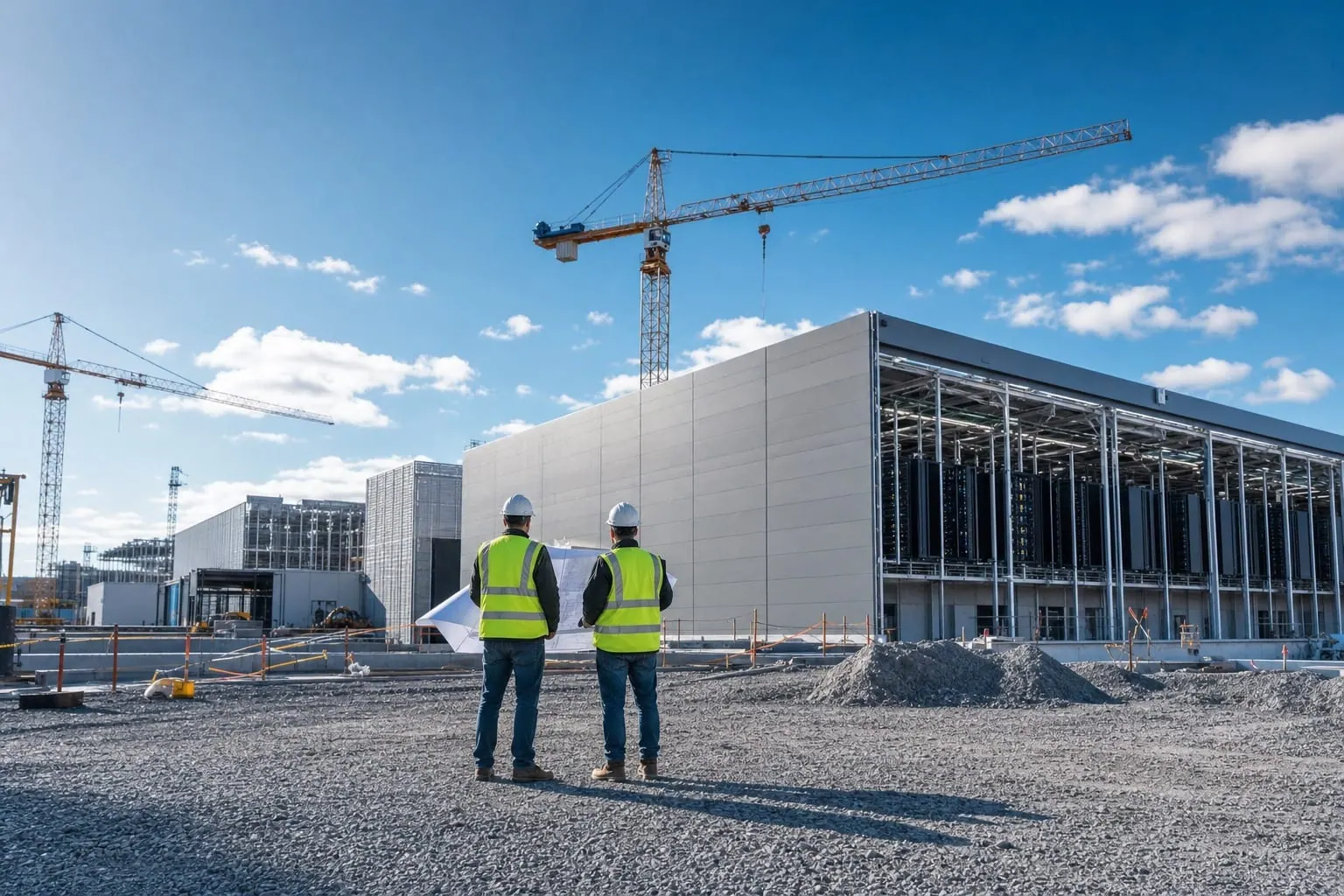
Photo: Campus construction crews
Operations
Operations for training and inference
How operations differ between training and inference clusters
| Topic | Training clusters | Inference clusters |
|---|---|---|
| Load profile | Long runs at steady, high load | Load that follows user demand |
| Redundancy | Set per hall to match job checkpoints | Set per hall for always-on service |
| Maintenance | Windows timed between training runs | Rolling work, row by row |
| Remote hands | Part swaps and reseats from your ticket | Fast swaps to keep serving capacity up |
| Network focus | GPU fabric between racks | Front-end links to users and clouds |
Every hall is run with remote hands, ticketed change windows and power reporting per circuit. For training, we agree maintenance windows with you so planned work lands between runs. For inference, work rolls row by row, so serving capacity stays online while each row is serviced. Your colocation engineer keeps both plans current as the cluster grows.
Photo: Technician at a rack

Ownership
Bring your own GPUs or use a neocloud
Many teams combine both: they own the core training cluster and rent extra GPUs for peaks or new projects. When rented GPUs and your own racks share a campus, moving a workload between them stays inside one meet-me room.
Owning the hardware? Plan the move with the colocation onboarding guide.
Own GPUs vs neocloud: compared
| Topic | Bring your own GPUs | Neocloud tenant |
|---|---|---|
| Who owns the hardware | You | The neocloud |
| Your contract | Colocation with PacinfraX | GPU capacity with the neocloud |
| Control | Full control of hardware, fabric and software | Control of your workloads on rented GPUs |
| Best when | You run a large, long-lived cluster | You want GPUs fast without buying hardware |
Checklist
What to send for a cluster design review
The items to send for a design review
- GPU server model and count, and how many servers per rack
- Power per rack at full load
- Cooling: direct liquid, rear-door or air, per rack type
- Cluster fabric: InfiniBand or Ethernet, and the switch layout
- Storage racks and their link to compute
- Management and out-of-band network
- First block size and the expansion you expect
- Market and target go-live date
Rough figures are enough to start. See campuses in Texas and Vietnam, and the on-site generation and storage every hall is designed around.
Photo: Engineers with drawings

FAQ
GPU hosting questions
What is GPU hosting?
GPU hosting is colocation built for GPU clusters: liquid-cooled racks, high-density rows, a cluster network and room to grow. You own the GPUs; PacinfraX runs the hall around them.
Can you host liquid-cooled GPU racks?
Yes. Liquid rows have coolant distribution units, rack manifolds and leak detection, and are sized to your racks, from air-cooled to direct-liquid densities.
Do you support InfiniBand and Ethernet fabrics?
Yes. The row layout leaves space and cable paths for spine and leaf switching on either fabric, with short runs between compute racks and switches.
Can storage sit next to the GPUs?
Yes. Storage racks are placed in or beside your compute rows, usually in air-cooled positions, so the storage network stays short.
3 more questions
How do we expand a cluster?
We reserve the next rows at the first design review. Each new block is energized and cooled before you ship, so you add racks without moving the first ones.
What if we would rather rent GPUs than own them?
Rent from a neocloud. Neoclouds can place their fleets in PacinfraX halls too, so rented GPUs and your own racks can share one campus and one meet-me room.
Who handles GPU failures?
Your team or our remote hands. Technicians swap parts, reseat cables and run checks from your ticket, and record every task on it.
Next step
Request capacity for your GPU cluster
Send your cluster plan: servers, power per rack, cooling and fabric. We reply within two business days and book a design review with a colocation engineer.